
Picture this.
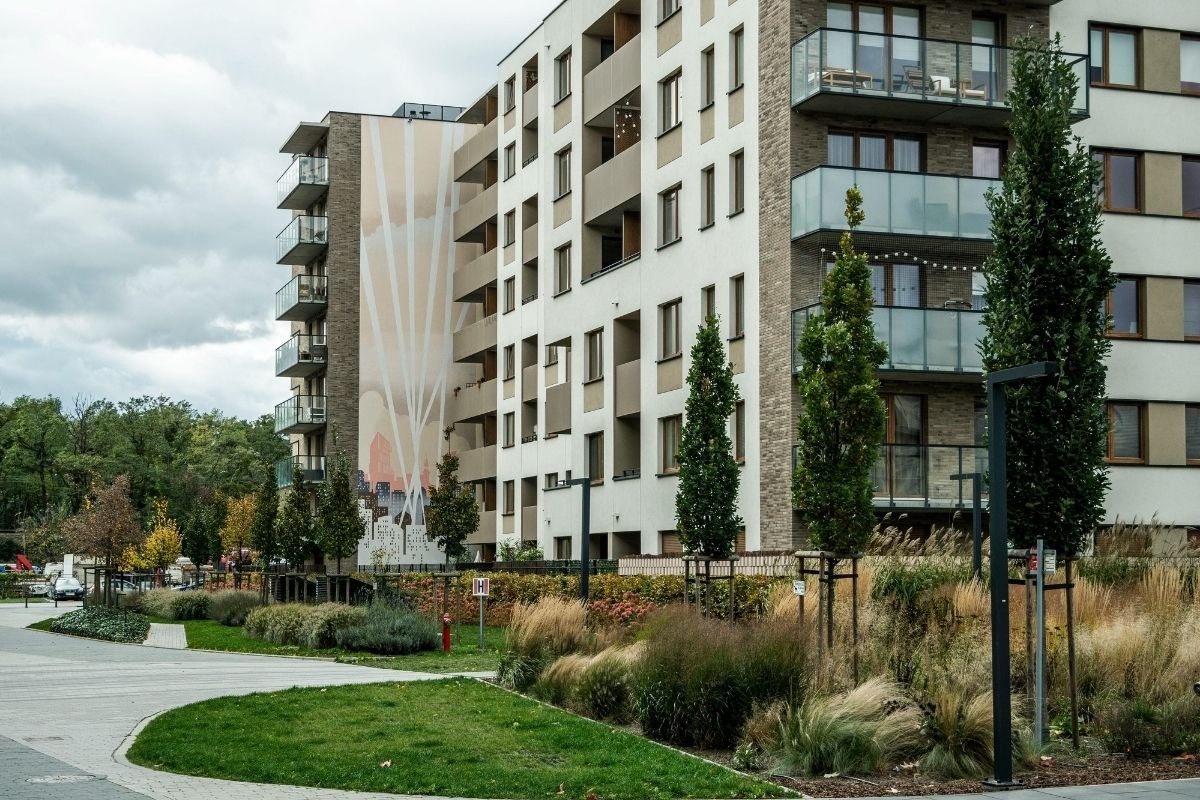
An opportunistic thief spots a few tempting items inside a car parked at a residential apartment building.
Glancing around, the coast seems clear. With a slick hand manoeuvre, they’ve opened the passenger door, filled a bag with contraband and made a quick getaway.
Fast-forward a few hours, and the owner of the car returns to a damaged passenger-side door lock and the inconvenience of having to make an insurance claim to replace her expensive sunglasses, Kindle reader and headphones.
Walking to her apartment block stairs, she realises her building access fobs have been pinched too.
She calls the building manager to report them stolen and asks to be issued new ones.
Expecting a relatively quick and simple replacement fob, the day quickly derails as the building management team discover that they actually can't identify and isolate the stolen fobs within their credential management system.
They’re now faced with two terrible choices:
Leave two stolen access fobs active somewhere out in the wild...
...or cancel every single fob in the building.
The safest option is of course option two - however, it’s also the most time-consuming, expensive and difficult to deploy.
Now every resident needs a new fob. Every credential needs to be reissued. Building management has an almighty admin job on its hands, residents are inconvenienced, and the Body Corporate potentially gets a fairly unpleasant bill at the end of it.
Two stolen fobs have somehow become everybody's problem.
And here's the kicker:
With the right credential management in place, this would have been a simple swap and go.
With proper credential management in place, the car break-in story would have had a very boring ending.
Sarah from apartment 42 calls to say her access fobs were stolen.
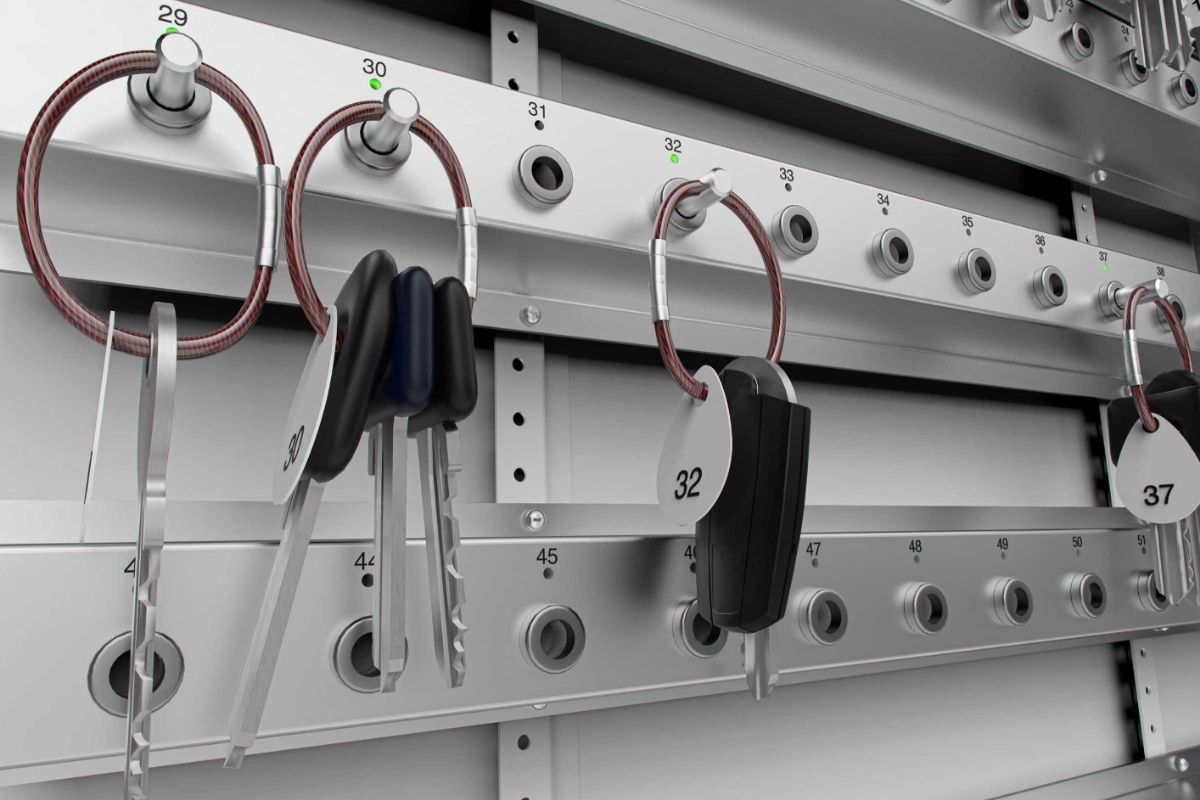
Building management finds Sarah from apartment 42 in the system, identifies her two credentials and immediately revokes their access, issuing her with new fobs.
Done.
As for the thief?
Congratulations on your two new useless pieces of plastic.
That's how credential management should work.
When an access credential goes missing, speed matters.
If an individually identifiable fob is reported lost or stolen, its access can be revoked as soon as it’s reported to building management.
And with secure remote management, nobody needs to race across town to physically attend the building and deal with it.
For Body Corporate managers and facilities teams looking after multiple properties, that's incredibly useful. At 2pm on a busy Tuesday, it sounds pretty convenient.
At 11pm on a Saturday night, it's a game-changer.
The missing fob might still be sitting under a café table, travelling around the Gold Coast in somebody else's pocket, or enjoying an exciting new life with our car thief from earlier.
Wherever it ends up, within minutes its building access can be completely useless.
The fob can stay missing. The access doesn't have to.
Over the course of its lifetime, an apartment building might see hundreds, or even thousands, of people living there, working there, managing the property or visiting.
Residents move in and out, properties change tenants, building managers and staff change, and cleaners or contractors may need access for anything from a few hours to several months.
Good credential management allows access to move and change with them.
Permissions can be tailored around the way each person uses the building, giving them access to the areas they need, at the times they need it. A resident might have access to the entrance, their relevant lift floors, car park and common facilities, while a contractor servicing plant equipment can be given temporary access to the specific areas required for the job.
When circumstances change, those permissions can change just as easily.
A tenant moves out? Their credential can be deactivated.
A contractor finishes the job? Their temporary access ends.
Someone changes roles? Their permissions can be updated to meet their new responsibilities.
There’s no need to wait for a physical fob or card to make its way back to the building manager before access can be removed.
The people using a building will constantly change - and a well-managed access system changes with them.
To the person using it, an access fob is pretty straightforward.
Tap. Beep. Door opens.
The clever part is happening behind the scenes.
Every credential should have an identity within the system, be assigned to the right person and carry permissions that make sense for the way they use the building.
That takes proper consideration at the beginning.
Who is this credential being issued to, and how will we find it again six months from now? Which doors, gates, lifts or common areas should it unlock? Does that person need access around the clock, or only during certain hours? Who has authority to issue new credentials or change permissions? Can access be revoked remotely if something goes missing at 11pm on Saturday?
These details shape how useful the system will be for years to come.
When DASH designs or reviews access control, credential management forms part of the bigger picture. The aim is to create a system that makes sense for the building, the people using it and the team responsible for managing it.
Because the day a resident rings to say their access card has just disappeared, you want the person at the other end of the phone to say:
“Yep, found it. I’ll cancel that now.”
And not,
“Hmm. This could be a problem.”
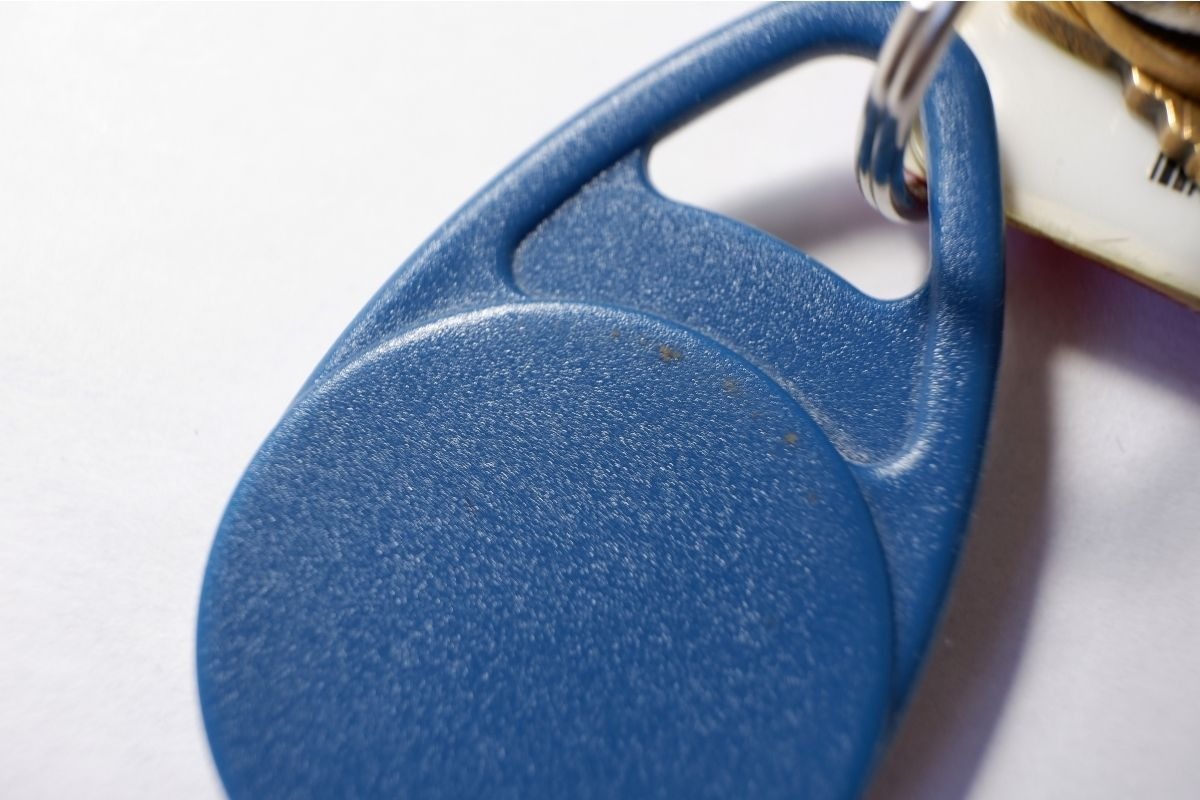
Access control systems have a habit of becoming part of the furniture.
They’re installed on day one, everyone excitedly receives their fob, the doors open when they’re supposed to, and life carries on.
Five years pass. Then ten.
In that time, hundreds of people may have moved through the building. New fobs have been issued, old ones cancelled (hopefully), building managers have changed, contractors have come and gone, software has evolved and “Body Corp Brian”, who originally knew the system inside out, has long since left the building.
Meanwhile, the access control system is still there, faithfully going beep at the front door.
Regular check-ins, like the ones we provide through our DASH Care Plan, can uncover some critical, often overlooked details.
Are the credential records still accurate? Are there old users or permissions hanging around that should have been removed years ago? Is the software current? Does the hardware still support what the building needs? And importantly, if someone calls tonight to report a lost or stolen credential, does the system allow for easy identification, revocation and re-issuance of a new one?
For Body Corporates and building managers, a little housekeeping along the way can save an enormous headache later.
The best time to discover the limitations of your access control system is before you even need it. The worst time? When you urgently need it to do something… and it can’t.
This is one of the reasons we're seeing access control move beyond the traditional fob.
Facial recognition can identify an authorised person without requiring them to carry a physical credential at all. Mobile credentials can put building access onto the smartphone people already carry everywhere, including digital wallets such as Apple Wallet. These technologies can make issuing, managing and revoking access considerably easier for the people responsible for a building.
And, conveniently, there's nothing dangling from your keyring to lose in the first place.
That doesn't mean every apartment building needs to throw its existing fobs in the bin and install facial recognition tomorrow.
Sometimes, the smarter solution is an upgrade to the credential management system behind them.
If every fob is individually identifiable, assigned correctly and able to be remotely deactivated when it's lost, stolen or no longer required, the humble fob can continue doing its job perfectly well.
The right solution comes down to the building, the people using it and the way access needs to be managed.
If you're planning a new access control system, or you'd like to know what options are available for bringing an existing system up to date, talk to DASH Symons about smarter credential management for your building.
.jpg)